The small business field guide
How to write a change order
The job changed. Put the change in writing, price it, and get a signed yes before you do the work. Five steps, a worked example and a free change order generator.
Fill it in. Download the PDF. No sign-up.The quick answer
To write a change order, stop the changed work, describe the change in plain words, price it as an amount added to or taken off the contract, state what it does to the schedule and the payments, and get your client’s signature before you do the work. Keep the signed copy with the estimate. Until it is signed, the agreed total does not change.
01 / Start here
Before you write your first change order
A change order answers three questions about a job that is already agreed. What is different? What does it cost or save? When does it get done?
Jobs change. A client adds a room, a wall turns out to be rotten, a material is out of stock. None of that is a problem. The problem is a change that lives only in a conversation. A change order puts it on paper, next to the estimate, with a price and a yes.
This guide follows one job: the hallway and bedroom painting from the estimate guide. Part way through, Alex’s bedroom wall needs patching. Here is how to write that change down.
The agreement
Estimate
The price and scope your client said yes to. A change order changes it, it does not replace it. See how to write an estimate.
The change
Change order
Says what is added or taken away, the new total and the new date. Your client signs it before the work.
A different job
New estimate
For work that is a new job, not a change to this one. Start it with the estimate generator.
Rules depend on where you work. This guide is written for the United States. Contractor rules differ by state, and your contract may name a change form of its own. If it does, use it. The examples teach the method. They are not legal advice.
02 / The method
How to write a change order in 5 steps
The five steps are the same for a $35 change and a $3,500 one. The order is the point: nothing is done before the signature.
- Stop Pause the changed work. Do not start it on a “go ahead”. Helps avoid Doing it and hoping to be paid.
- Describe What changes, where, and why, in plain words. Helps avoid “That is not what I meant.”
- Price Dollars added or taken off, the new total, the new finish date. Helps avoid An extra nobody priced.
- Approve Your client signs and dates it. Pending is not counted. Helps avoid A fight over a verbal yes.
- Then do Only now do the work, and bill it by name. Helps avoid A change you cannot collect.
Never skip the signature. Do the changed work only after your client has signed.
-
Stop: pause the changed work before you start it
A change usually starts as a favor. “While you are here, could you also…” The moment you hear it, pause that part of the job and say it needs a written change first. You do not have to stop the whole job, only the part that is new.
Where the law covers the job, this is not just good manners. In California, a change-order form becomes part of the contract only if it is in writing and signed before any of the changed work starts. [1]
Helps avoid Doing the work first and hoping to be paid for it.
-
Describe: write what changes and why, in plain words
Name the job it changes, and write the change in full sentences: what is added, what is taken away, and where. Add the reason in one line. The scope is the part that stops a later argument. California says a change order is not enforceable against the buyer unless it states the scope of work. [1]
Instead of: Extra work in bedroom
Write: Patch loose plaster and prime north wall. Reason: loose plaster was found behind the north wall when the old paint came off.
Helps avoid “That is not what I meant.”
-
Price: add or take away an amount, and show the new total
Write the change as an amount added or taken off the contract, in dollars and cents. Then say what it does to the finish date and to the payments. California’s statute asks for exactly these: the amount to be added or subtracted, and the effect on progress payments or the completion date. [1] In this guide’s job the change is 2 hr at $60.00, which is +$120.00, and the finish date moves from Nov 05 2026 to Nov 06 2026.
New agreed total = agreed total before + approved changes
A change can take money off. Write it with a minus sign, for example “Skip the second coat in the closet: −$35.00”. A change with no price effect is a change order too, with $0.00 and the new date.
Helps avoid An extra nobody priced, or a credit nobody remembered.
-
Approve: get your client’s signed yes
Send the change order and ask your client to sign and date it. Until they do, it is only a proposal, and the agreed total does not change. Do not count a pending change as agreed money.
New York requires that a home improvement contract and all amendments to it be in writing and signed by all the parties. [2] Where no such rule applies, a written yes is still what you will want to show if there is a dispute.
Helps avoid A fight over a verbal yes.
Never skip the signature. Do the changed work only after your client has signed.
-
Then do: do the work, and bill it
Now do the changed work. Bill it on the next invoice, as a line that names the change order, so your client can match the charge to the paper they signed. Keep the signed change order with the estimate. [3]
If a change order lacks the required items, California’s statute says it is not enforceable against the buyer, but it also says this does not stop recovery of compensation for work performed under rules meant to prevent unjust enrichment. [1] Do not count on that. Get the signature first.
Helps avoid A change you cannot collect for.
Changes all the time?
In InvoiceWren a change order belongs to the job. You write it, your client approves it on their own page, and the agreed total moves only when they say yes.
03 / See it done
A complete change order example
Here is the change order for the made-up painting job. Loose plaster was found behind the north bedroom wall. It must be patched and primed before paint will hold. It adds $120.00 to the agreed price. To keep the focus on the method, this example assumes no sales tax applies.
CO-001
Change to EST-2026-014
What changes, and why
Loose plaster was found behind the north bedroom wall. It must be patched and primed before paint will hold. The wall must be patched and primed before painting.
| Change | Qty | Rate | Amount |
|---|---|---|---|
| Patch loose plaster and prime north wall · labor | 2 hr | $60.00 | +$120.00 |
The running total
- Agreed total before this change
- $880.00
- This change (CO-001)
- +$120.00
- Agreed total if approved
- $1,000.00
- The $200.00 deposit stays paid
- The $120.00 is billed on the final invoice
Approval
Sign and date to approve this change. Approved by ______________ Date ____________
Made-up names, address and prices. Add your real details, your license number if your trade needs one, and anything your state requires.
Reference: the estimate it changes, by number.
Scope: what is added, in full sentences.
Amount: dollars added or taken off.
Time: the new finish date.
Total: the new agreed total, if approved.
Yes: a signature before the work.
Pending is not approved. Until Alex signs, the agreed total stays $880.00. Alex signed on Nov 05 2026, and from that day the agreed total is $1,000.00. The checker below shows both states.
See what the change does to the total
Type the agreed total and the change. Tick the box when your client has signed. The checker shows what you may bill now, and what the total becomes after approval. It is a teaching aid, not legal advice.
Net change +$120.00. Until it is signed, the total stays $880.00. If it is approved, the total becomes $1,000.00.
Skip the adding up
In InvoiceWren the original estimate, each approved change and any pending change are shown on one page. A pending change is never counted in the agreed total, and the signed copy is kept with the job.
04 / Make yours
Make your change order now
Use the same five steps with your own job. Name the estimate it changes, add each change as an amount, then download the PDF. No sign-up, and what you type stays in this browser.
What the free change order generator does
It makes a PDF change order that names the job or estimate it changes, with each change as an added or taken-off amount (type a minus sign for a credit), the change total and a line for your client to approve. It does not keep a running contract total: use the checker above, or the app. It does not collect a signature for you: print it or sign the PDF.
Say who it's for
Everything you type stays in this browser. We never see it.
About you
About your client
20 free change order designs to start from
Pick a design and the form above switches to it. Everything stays editable, and you can download it as a PDF.
-
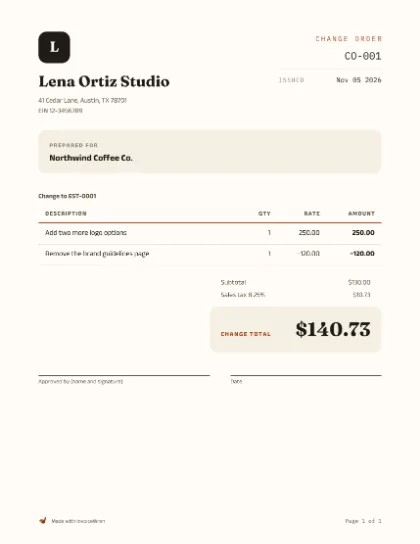
Plain
Everyday work
-
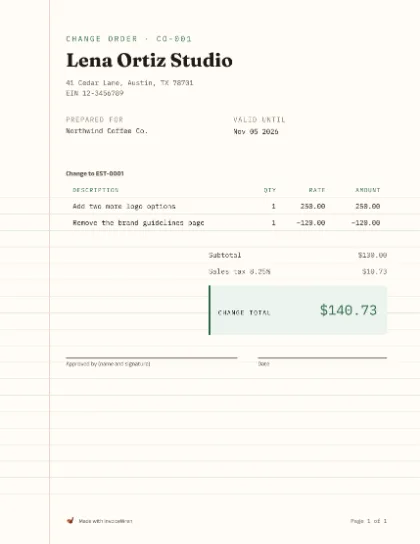
Ledger
Trades and repairs
-
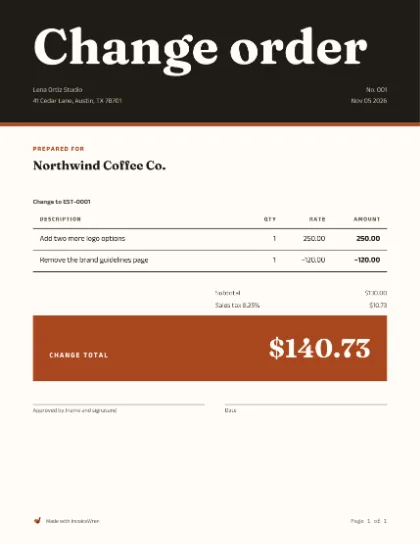
Bold
Studios and creative work
-

Letterhead
Consultants and offices
-
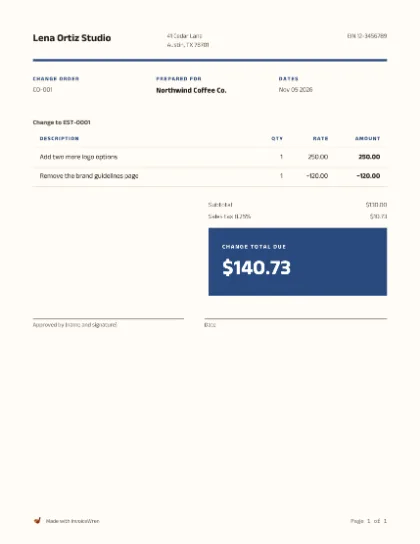
Grid
Agencies and developers
-
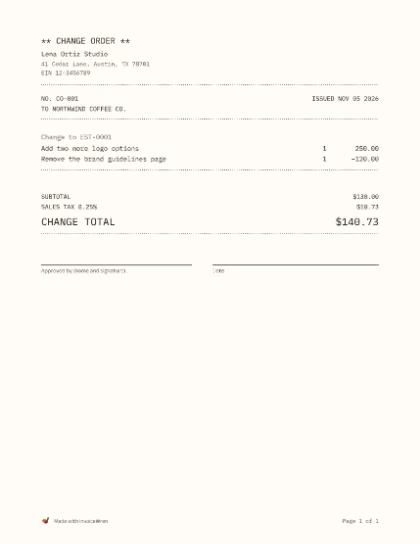
Mono
Makers and small shops
-
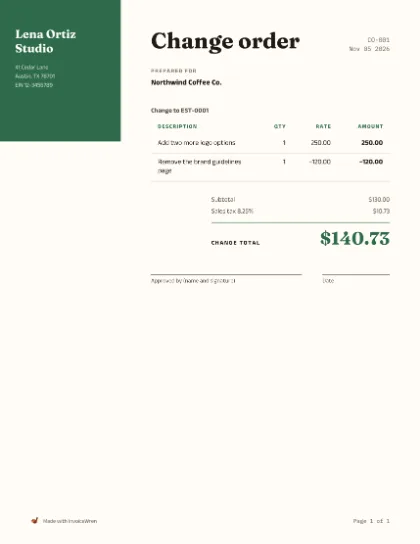
Side band
Photographers and events
-
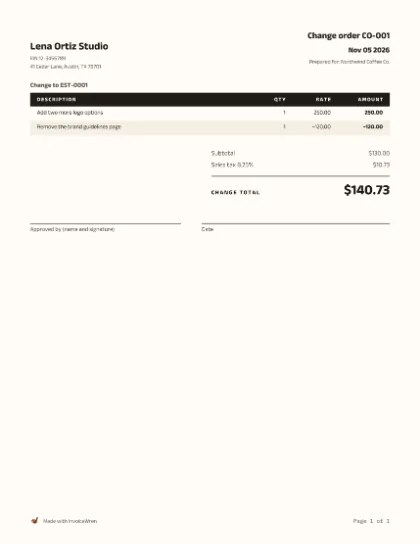
Compact
Long parts lists
-

Contractor
Labor and materials
-
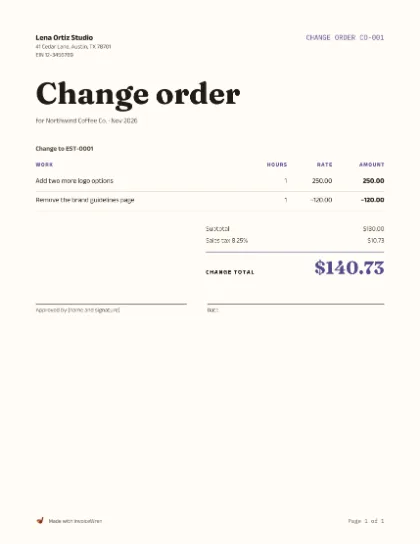
Hours
Billing by the hour
-

Photos
Show the work done
-
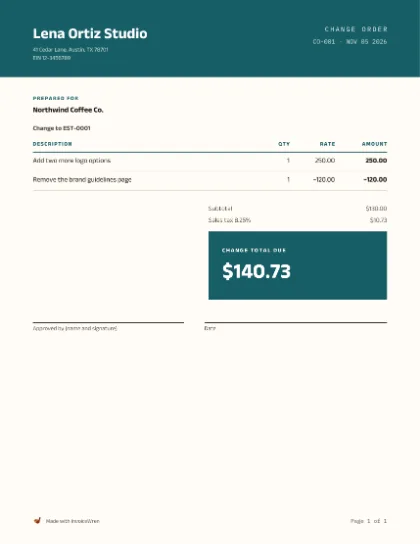
Banner
Salons and service shops
-
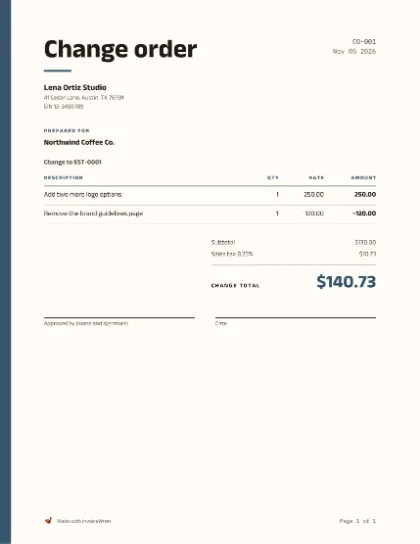
Stripe
Freelance projects
-
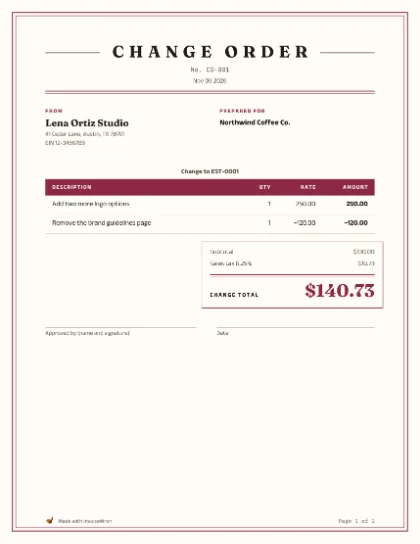
Classic
Law, accounting and formal firms
-

Minimal
Designers and writers
-
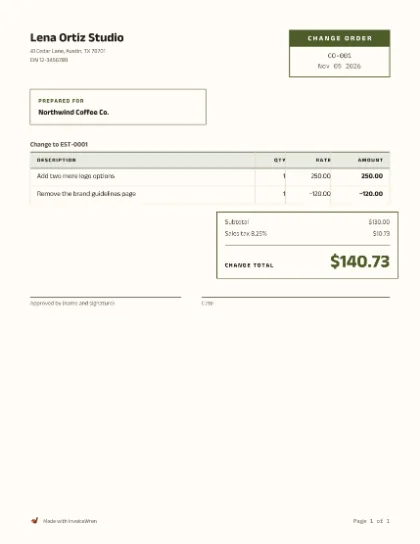
Boxed
Wholesale and parts counters
-
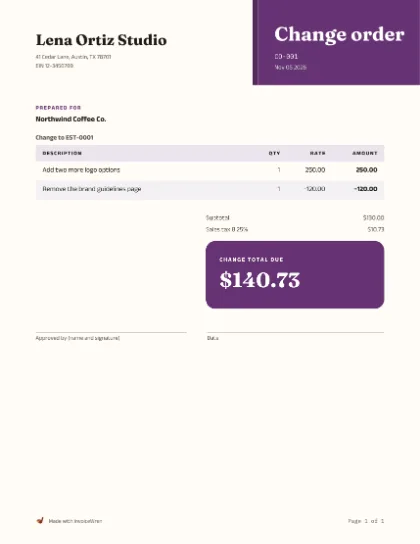
Corner
Shops and markets
-
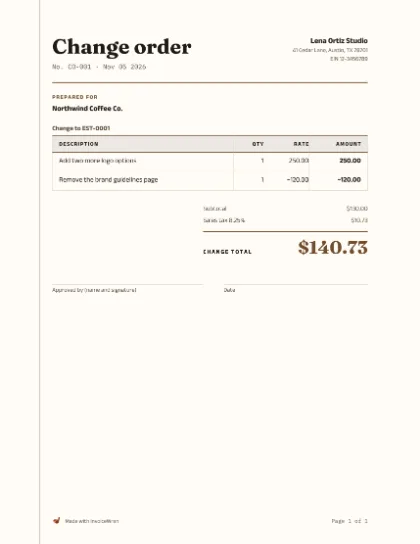
Journal
Bookkeepers and clubs
-
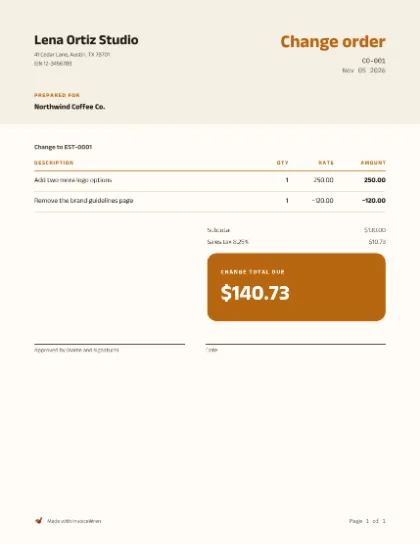
Duo
Cleaners and home services
-
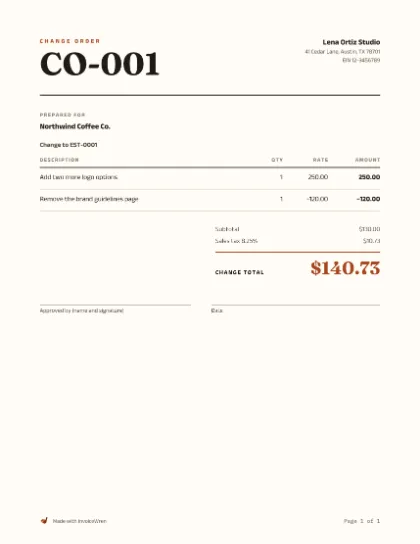
Editorial
Coaches and authors
05 / Rules by place
What the rules say about change orders
The contract rules for home improvement come from the states, and they differ. Here is what the pages we read say.
| Place | What it says |
|---|---|
| California | A home improvement contract and any changes to it must be in writing and signed before the work. A change-order form is part of the contract only if it is written and signed before the changed work starts. A change order is not enforceable against the buyer unless it states the scope of work, the amount added or subtracted, and the effect on progress payments or the completion date. The buyer cannot require extra work without giving written authorization. [1] |
| New York | A home improvement contract and all amendments to it must be in writing and signed by all the parties. The statute says “amendments”, not “change orders”. [2] |
| Other states | Check your state’s contractor licensing board and your contract. Many states, and many contracts, require changes to be written and signed. |
These are summaries of the pages we read, not a full checklist and not legal advice. Rules and limits change, so check the current official page before you write a real change order.
How other countries do it
Other countries call a change order a “variation”. In the UK and Australia, they do it this way.
| Country | How they do it |
|---|---|
| United Kingdom | In England, Citizens Advice says a trader cannot charge more than the quote unless the customer asks for extra work that is not in the quote, the trader says extra work is needed and the customer agrees to pay more, or the trader made a genuine mistake when writing down or working out the price. This is advice to customers, not a statute. [4] |
| Australia | In Queensland, the building commission says to document every variation in writing. The contractor must present the variation to the home owner in writing before the work, and the owner must agree to it in writing. The contractor cannot require payment for a variation before the variation work is started. The page allows a narrow exception where it is not practicable to produce a written copy first. [5] |
We left out India. We could not read an official page there about contract variations, so we say nothing about it.
06 / When one change is not the whole story
From the first estimate to the final payment
Changes are where paper gets lost. InvoiceWren keeps each one on the job, next to the estimate, with who approved it and when.
- Write it on the jobAdd a change order to an approved estimate. Describe the reason, add or take off lines, and see the new total before you send it.
- Your client approves on their pageThey see the agreed total now and after the change, then approve with a typed name and signature.
- Pending is never countedThe agreed total moves only when your client says yes. One change can be pending at a time.
- On site or by phoneSign on your phone while you are there, or record a change agreed by phone. A recorded change is labeled as not approved by the client.
07 / Sending it
What to say when you send a change order
Keep it short. Say what you found, what you propose, the new total and the new date, and that you will wait for the signature. Here is an original example you can change.
Hi Alex,
While getting the north bedroom wall ready I found loose plaster. I have paused work on that wall. Attached is change order CO-001.
It patches and primes the wall, 2 hr at $60.00, which is +$120.00. If you approve it, the agreed total moves from $880.00 to $1,000.00, and the finish moves from Nov 05 2026 to Nov 06 2026.
Please sign and date it and send it back. I will start on that wall when I have your signature.
Thank you,
Oak & Brush Painting
If your client wants to change the change order, write a new copy with a new date. Do not agree a different price by phone and keep the old paper.
08 / Last look
Check these before you send the change order
Use this list on your real change order. It catches the common slips. It is not legal advice.
Your ticks reset when you reload this page.
09 / Questions
Questions about writing a change order
What is a change order?
A change order is a written agreement to change a job that is already agreed. It says what is added or taken away, what that does to the price, and what it does to the schedule. Both sides sign it before the changed work starts. In California, a change order is not enforceable against the buyer unless it states the scope of work, the amount added or subtracted and the effect on progress payments or the completion date. [1]
Do I need a change order for a small change?
Yes, if it changes the price, the scope or the finish date. A small written change takes two minutes, and a small argument about it takes much longer. If you decide to do something for free, write it down as a change with no charge, so the record shows what was agreed.
Can my client approve a change by text or phone?
Where a rule says the change must be written and signed, a text may not be enough. California requires a change-order form to be in writing and signed before the changed work starts, and New York requires amendments to be written and signed by all parties. [1] [2] Where no rule applies, a written reply is still much better than a call. Keep it with the job.
What if my client will not sign?
Do not do the changed work. Tell your client the price and the time stay as agreed until they sign. You can finish the agreed work and leave the change out. If you do the work anyway, you may not be able to collect for it.
What if I already did the extra work?
Write the change order now and ask for a signature, and do it in the same week. In California, a change order that leaves out the required items is not enforceable against the buyer, although the law does not stop a contractor from seeking payment for work performed under rules meant to prevent unjust enrichment. [1] Do not plan on that. Get the signature first next time.
How do I write a change order that takes money off?
Write the amount with a minus sign, for example “Skip the second coat in the closet: −$35.00”. The new agreed total goes down, and your client still signs. A change with no price effect, such as a color swap, is also a change order. Show $0.00 and say what moves.
Does a change order change the deposit?
No. The deposit stays paid. In this guide’s job, the $200.00 deposit is credited on the final invoice, and the $120.00 change is added to the work billed there. If a change takes the total below what the client has already paid, the client is owed a credit, and you write that down.
Who signs a change order?
The person who signed the estimate, or someone who can say yes for them. If the person who booked the job is not the person who pays, put the approver’s name and role on the change order.
Is a change order the same as a variation or a new estimate?
A change order and a variation are the same idea under two names. The Queensland building commission uses the word “variation”. [5] Citizens Advice in England talks about “extra work”. [4] A new estimate is for a new job. In InvoiceWren, once the final invoice is shared, extra work is a new estimate, not a change order.
Does sales tax change on a change order?
Follow the same sales tax rules as the original estimate. The tax depends on your state and on what you sell, so ask your state tax agency or your accountant. This guide is not tax advice.
Can I make a change order for free?
Yes. The free change order generator makes a PDF with the job it changes, each change as an added or taken-off amount, the change total and an approval line. There is no sign-up and no limit.
10 / Sources
Sources and further reading
Official guidance, checked on Nov 07 2026. The worked change order, checker, message and checklist are original teaching examples. Check the current rules before you issue a real change order.
- California CSLB — License Law and Reference Book, 2026 edition (Business and Professions Code 7159 and 7159.6)California: a home improvement contract and any changes must be in writing and signed before the work; a change-order form becomes part of the contract only if written and signed before the work; a change order is not enforceable unless it states scope, amount and the effect on payments or the completion date; and what is left if it does not. The statute text is the board’s own PDF, because the state’s statute site does not serve scripts.
- New York General Business Law § 771 — Contract provisionsNew York: a home improvement contract and all amendments must be in writing and signed by all parties. The statute does not use the words “change order”. The page shows the revision of Oct 29 2021.
- IRS — RecordkeepingKeep the records that support your income for as long as you need them to prove it on a return. Page reviewed May 01 2026.
- Citizens Advice (England) — Before you get work done on your homeEngland: a trader cannot charge more than the quote unless the customer asks for extra work not in the quote or agrees to pay more. Advice, not statute.
- Queensland Building and Construction Commission — Contract changes and variationsQueensland, Australia: document variations in writing, present the variation to the owner in writing before the work, get the owner’s agreement in writing, and do not require payment for a variation before the work starts. Reviewed Sep 20 2021, published Feb 26 2025.
Change the paper before you change the work.
Describe the change, price it and get the signature. Then download a PDF that is ready to send. Running bigger jobs with deposits and changes? Keep every step connected in the app.
Free tools and templates
Make the document this guide talks about. No sign-up.
More guides
- How to make an invoice
- How to Write an Estimate
- How to Make a Progress Invoice
- How to Make a Receipt
- What to include on an invoice
- How to number your invoices
- Best free invoice apps (2026)
- Change order template for a small remodel
- How to write a deposit invoice (with a worked example)
- Estimate vs invoice: what is the difference?
- How to set and word late fees
- A five-step schedule for late invoices
- Net 30 and other payment terms, explained
- Payment reminder messages you can copy
- Progress billing for contractors
- Taking deposits as a photographer
- What to do when a client will not pay
Invoice templates by trade
Sample lines and answers for each kind of work.
