Free Invoice Generator
Fill it in, watch the invoice update, download the PDF. No sign-up. Your invoice's contents never leave this browser.No sign-up. Your details stay on this phone.
Say who it's for
Everything you type stays in this browser. We never see it.
About you
About your client
20 invoice designs to start from
Pick a design and the form above switches to it. Everything stays editable, and you can download it as a PDF.
-
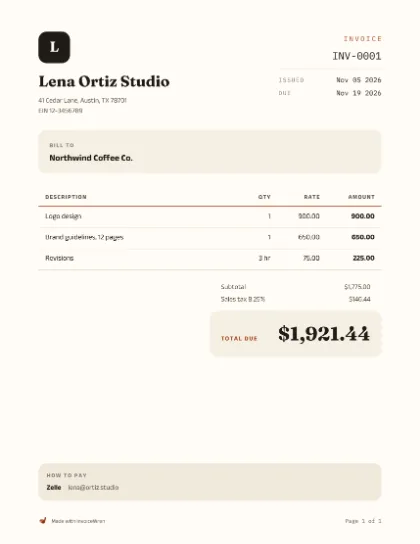
Plain
Everyday work
-
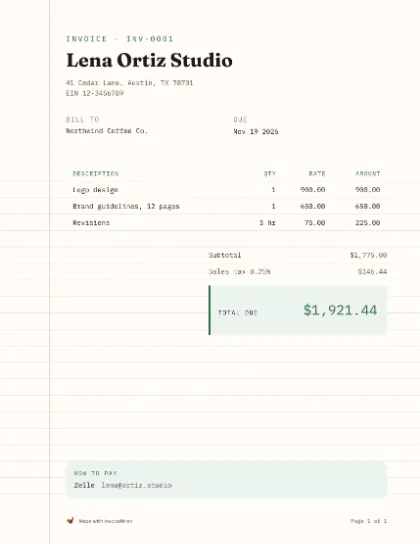
Ledger
Trades and repairs
-
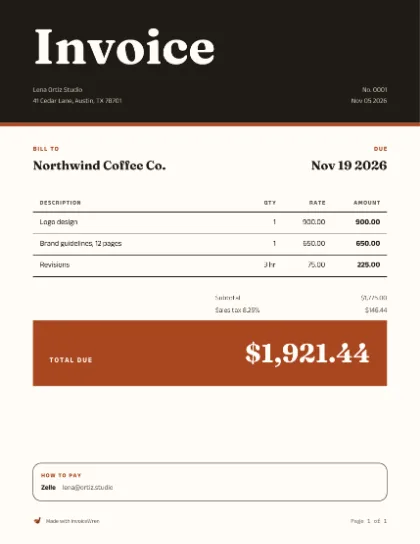
Bold
Studios and creative work
-
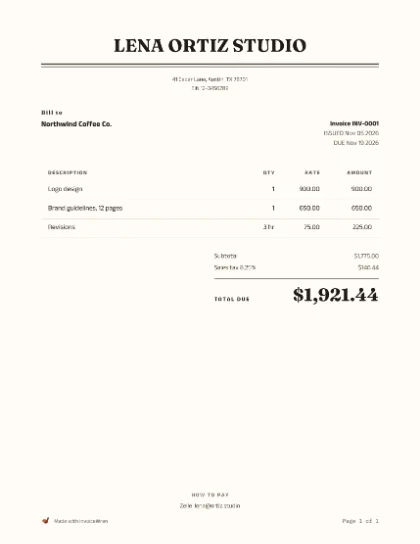
Letterhead
Consultants and offices
-
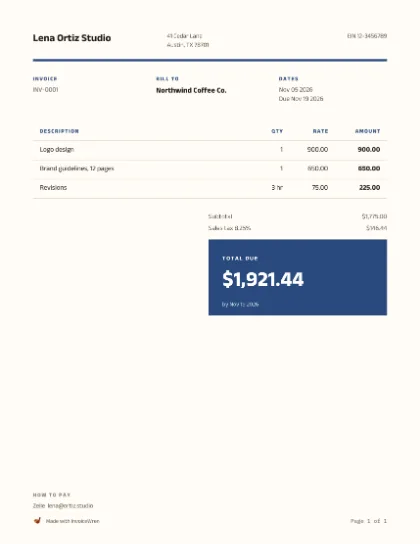
Grid
Agencies and developers
-
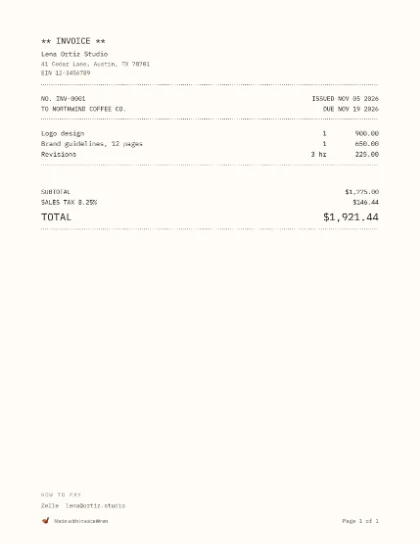
Mono
Makers and small shops
-
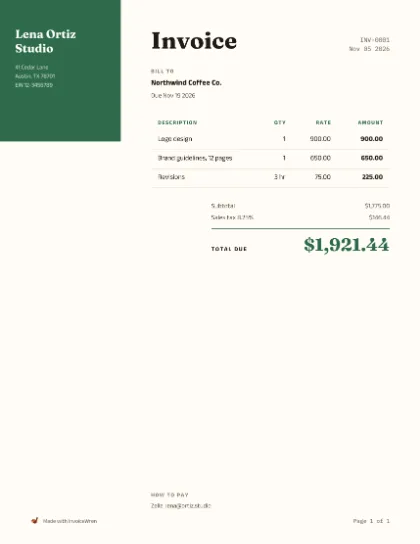
Side band
Photographers and events
-
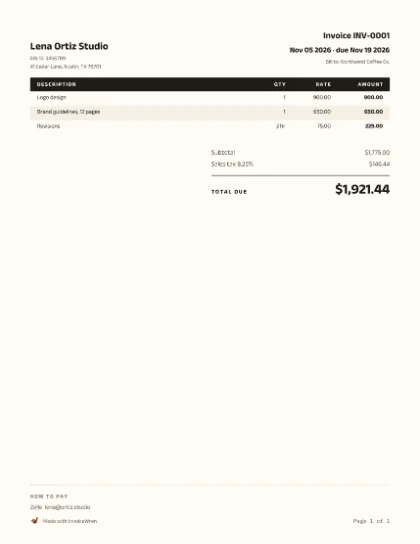
Compact
Long parts lists
-
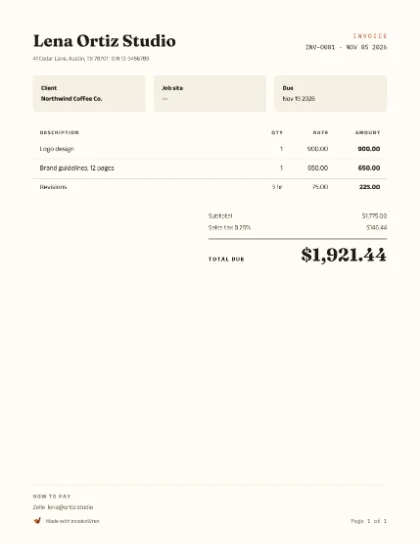
Contractor
Labor and materials
-
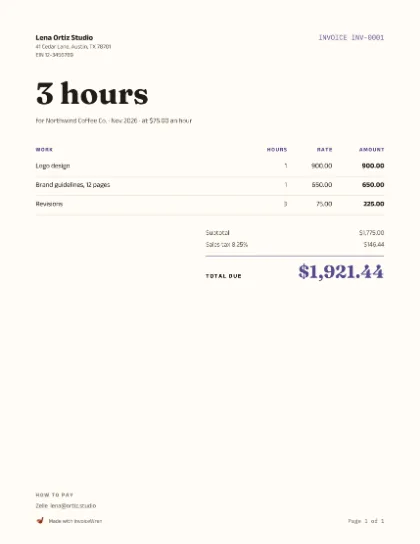
Hours
Billing by the hour
-
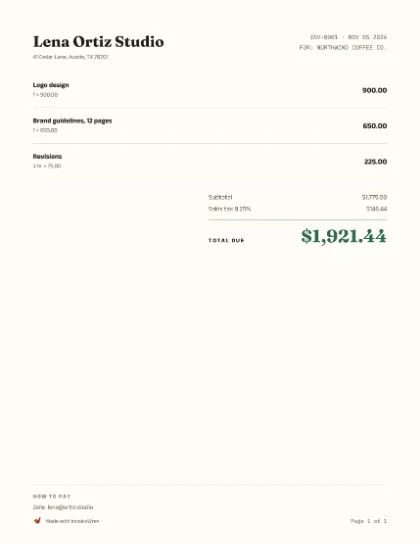
Photos
Show the work done
-
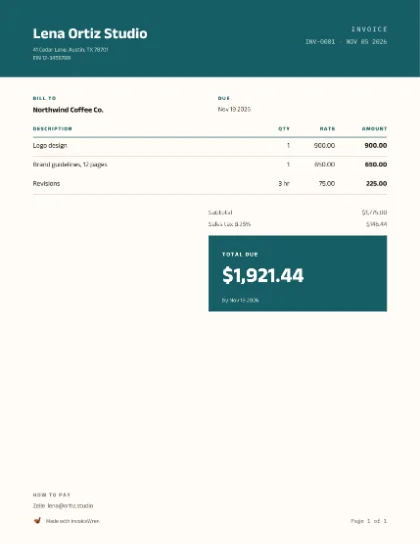
Banner
Salons and service shops
-
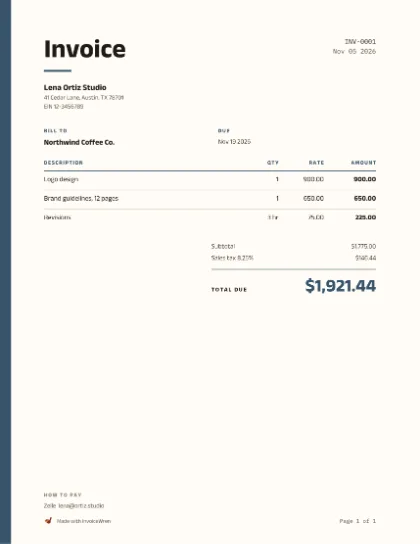
Stripe
Freelance projects
-
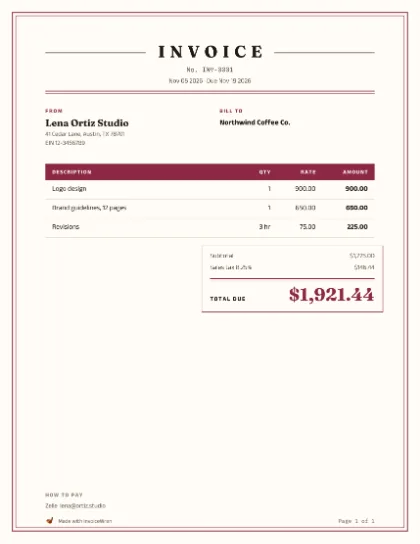
Classic
Law, accounting and formal firms
-
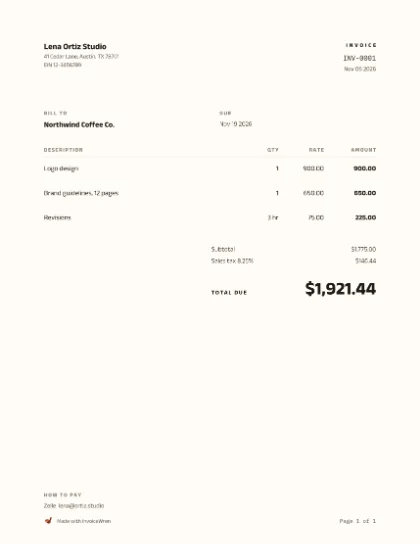
Minimal
Designers and writers
-
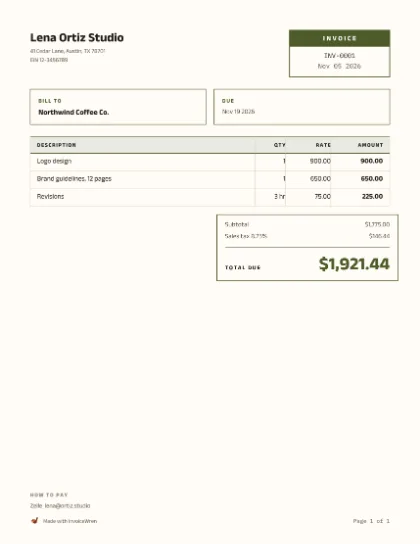
Boxed
Wholesale and parts counters
-
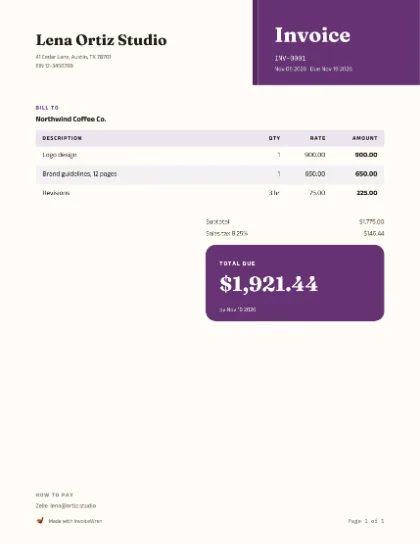
Corner
Shops and markets
-
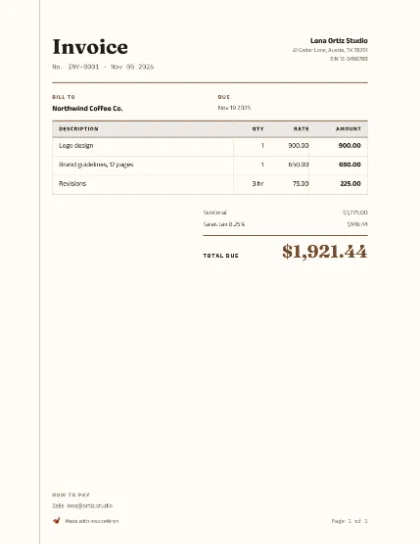
Journal
Bookkeepers and clubs
-
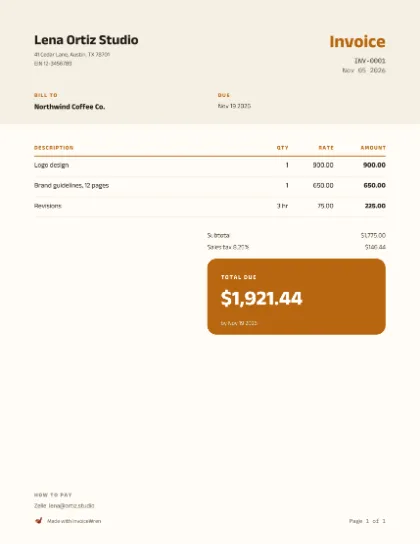
Duo
Cleaners and home services
-
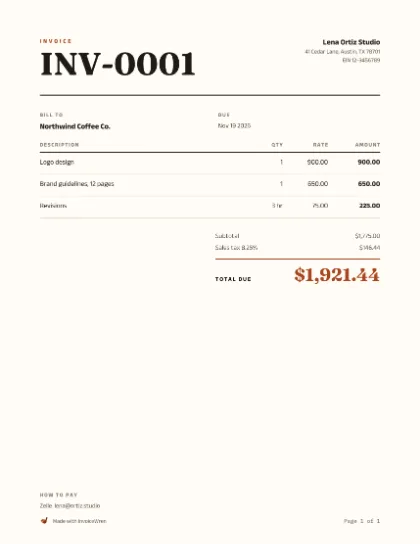
Editorial
Coaches and authors
How to make an invoice in 3 steps
Say who it's for
Your name and your client's name. Add a logo if you have one.
List what you did
One line per job or item, with how many and the price.
Say how to get paid
Bank, Zelle, PayPal or Venmo, and when it's due. Then download.
Invoice templates for Word, Excel, Google Docs and PDF
Prefer to work in a file? Get a free invoice template in the program you already use, or build your own look.
Invoice templates by trade
Each one has sample lines, a checklist and answers for that kind of work.
Questions people ask
Is this invoice generator really free?
Yes. No sign-up and no limit on how many invoices you make. A small “Made with InvoiceWren” line sits at the bottom of each PDF.
Where is my data stored?
In this browser only. We never see it.
Can I add my logo?
Yes. Add it once under Who. It stays on your device.
How do I add sales tax?
Open More options and type your rate. We never look rates up, and this is not tax advice.
Can I get a Word or Excel version?
Yes. Download any template for Word, Excel or Google Docs from the templates page.
How do I create an invoice online?
Fill in the form at the top of this page: who the invoice is from and for, what you did, and how to pay you. The invoice updates as you type. When it looks right, press Download to generate an invoice as a PDF.
Is this an invoice maker or an invoice template?
Both. It is an online invoice maker that fills in a clean invoice for you, and it has 20 free invoice templates, which are designs to start from. You can also get blank invoice templates for Word, Excel and Google Docs.
What if I need my client to sign or pay online?
That is what the InvoiceWren app is for. It gives you a private link to share.
What should an invoice include?
Your name and contact details, your client’s name, an invoice number, the issue date and due date, each item with its quantity and price, the total, and how to pay you.
What is the difference between an invoice and an estimate?
An estimate is the price you give before the work and the client can say yes or no to it. An invoice asks for payment after the work. Need an estimate? Use the estimate generator.
Do I need an invoice number?
Yes, give every invoice its own number so you and your client can find it later. The tool counts up for you on this browser (INV-0001, INV-0002) and you can type any number you like.
Can I make an invoice on my phone?
Yes. The page works on a phone, and after your first visit it also works without a connection.
How do I get paid with this invoice?
Add Zelle, bank details, PayPal, Venmo or Cash App under How to pay and they print on the invoice. This tool does not take payments itself.
What happens if I close the page?
Your draft stays in this browser, so you can pick up where you left off. Clearing your browser data removes it.
Is this invoice a legal or tax document?
It is an ordinary invoice. What it must show differs by country and state, so check with an accountant or your tax office. This is not legal or tax advice.

Want to know when your client opens it?
InvoiceWren, our app, gives you a private link to share and tells you when it’s opened.